Collect the awkward files.
CSV, Excel, PDF statements, invoice images, receipts and marketplace exports. Absorb the mess before it reaches the reviewer.
- Bank PDFs and CSVs
- eBay, Amazon and PayPal feeds
- Receipt and invoice OCR
IQ Books keeps client ledgers itself. ReconcileIQ proves the bank agrees to the books. CodeIQ codes, checks VAT, matches invoices and posts after review. LedgerIQ turns the finished ledger into analysis your clients can understand. PrepIQ prepares the year-end working papers. One suite for the work your team repeats every month, with your judgement kept where it belongs.
Here is one client's routine month, done by hand on the incumbents, and done through the suite.
Clients stay where they are: CodeIQ posts to Xero, QuickBooks, Sage or Pandle. Or move a client to IQ Books and the same bookkeeper runs natively in its own ledger.
The highest-value software for a practice is not another isolated feature. It is the operating model: how a junior, reviewer, partner and client move from raw bank data to posted books and useful advice without losing control.
CSV, Excel, PDF statements, invoice images, receipts and marketplace exports. Absorb the mess before it reaches the reviewer.
ReconcileIQ compares bank and books, finds missing items, duplicates and timing differences, then keeps the evidence visible.
Eight phases contribute to every suggestion, from transfer detection to VAT classification, before anything posts.
LedgerIQ reads the finished ledger and creates the ratio pack, variance story, anomaly flags and board-ready PDF.
PrepIQ takes the client's records and prepares the full working-papers set, cell-linked and ready for your review.
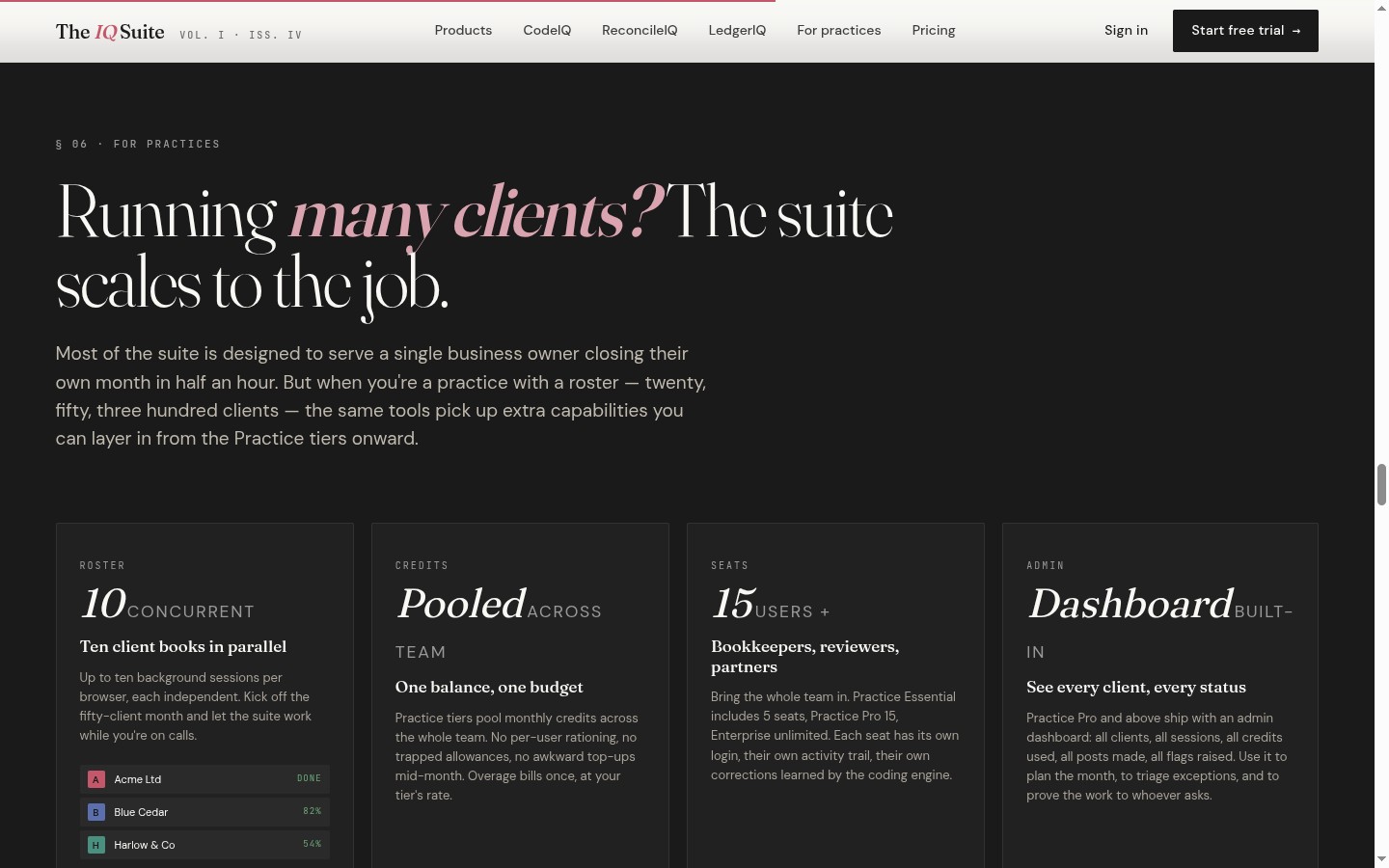
CodeIQ runs up to 10 client sessions in one browser. Each keeps its own platform, files, progress, review status and posting results, so your team loads the next client while the current one processes in the background.
Modern practice automation is less about replacing people and more about removing queues: waiting for imports, waiting for bank matching, waiting for the junior to finish the batch before the reviewer can start. And when a reviewer corrects a row, the correction becomes a pattern for future runs, so the suite gets quieter as your practice teaches it.
The strongest fit is a practice that wants standardisation: repeatable month-end production, visible evidence, learned coding corrections and better client conversations after the bookkeeping is done.
A complete double-entry platform: sales invoicing, bills, banking, VAT, stock, fixed assets with automatic depreciation, projects and multi-currency. RiQ, the bookkeeper built in, codes the bank, sorts the VAT, matches the invoices and keeps every client current, so a routine month is minutes of review instead of an afternoon of keying. Statutory accounts for limited companies are prepared from the ledger as validated iXBRL, ready to file to Companies House.
Match bank statement lines to accounting records, find gaps, handle invoice-payment reconciliation and export the working paper. Direct sync or the usual CSV and PDF bundle.
Every transaction carries the method behind the suggestion, so reviewers can interrogate, approve, correct and teach the next run. Posts after your review.
Upload the finished GL and produce P&L, balance sheet, cash flow, ratios, working-capital diagnostics, forecasts and anomalies. Every figure resolves back to formulas and ledger inputs.
Hand over a client's records and RiQ prepares the full working-papers set, reviewed and queried like a senior would. Every figure cell-links to its sheet, so nothing is plugged.
Low-confidence rows, VAT exceptions, unmatched invoices and transfers are surfaced for the person who should make the call.
When a reviewer corrects a row, the correction becomes a pattern for future sessions. The suite gets quieter as your practice teaches it.
LedgerIQ and RiQ turn the closed month into explanations: why margin moved, what cash conversion did, and which numbers deserve a call.
Practice plans provision a free, full IQ Books organisation for every connected client, each with its own login, its own workspace and one-off starter credits. No per-client licence, no pooled credits by default.
Provision a client account from your practice plan. They get their own login, a full workspace and a complete IQ Books organisation with 1,000 one-off standard and 2,500 bonus credits.
RiQ codes the bank, sorts VAT and matches invoices inside the client's organisation. Sponsor recurring automation from your practice pool only if and when you choose to.
Live trial balance, P&L, balance sheet, the VAT position and the ledger behind every figure, with the audit trail intact. A client who arrives on IQ Books can invite you free, any order works.
Every plan includes the full suite; practice plans add PrepIQ year-end working papers and client provisioning. The real differences are monthly credits, overage rate and how many clients you can connect.
Connected clients are separate accounts with their own login, full workspace, IQ Books organisation and one-off starter credits. The practice plan governs how many clients can be connected; sponsorship is an explicit top-up from the practice pool. Each PrepIQ year-end job draws 5,000 credits (RiQ default) or 10,000 (RiQ maximum) from your allocation. Full detail on the pricing page.
No. It is the work engine underneath client bookkeeping, reconciliation, analysis and the year-end. Use it alongside your existing CRM, deadlines, document portal and practice management stack.
Yes. CodeIQ posts to Xero, QuickBooks Online, Sage and Pandle, and ReconcileIQ works from CSV, Excel and PDF uploads where a direct connection is not the best route. Clients who move to IQ Books get a ledger that keeps itself, and you can run both side by side.
The workflow is built for controlled review. You can approve clean rows quickly, but exceptions, low-confidence coding, VAT questions and invoice matches stay visible for judgement. Nothing invents a figure to force a balance.
Bank rules are usually platform-specific and brittle. CodeIQ's eight-phase pipeline layers transfer detection, invoice matching, client history, universal merchant patterns, MCC categories, semantic matching, your correction history and VAT classification, and every row carries the method behind the suggestion.
Yes. Practice plans connect client workspaces. Each connected client gets their own login, a full workspace and a free, full IQ Books organisation with 1,000 one-off standard and 2,500 bonus credits. The practice owner keeps their own credit allocation unless sponsorship is enabled.
Not by default. Practice credits belong to the owner login, while each connected client starts with 1,000 one-off standard credits and 2,500 bonus credits of their own. A practice can optionally sponsor a target balance from its own pool.
On practice plans, PrepIQ prepares the full year-end working-papers set from a client's records and supporting docs: records summary, extended trial balance, fixed asset schedule, capital allowances, HP, loan and completion-statement reconciliations, VAT and the tax computation, for sole traders and limited companies. Every figure is cell-linked back to its working sheet, so the set ties out and nothing is plugged. Nothing is released until you review and sign off. Each year-end job draws 5,000 credits (RiQ default) or 10,000 (RiQ maximum) from your allocation.
Nothing. Your seat at a client's IQ Books organisation is free: register a free account and the client invites you from Settings, then Members. The accountant's guide at bankreconciler.app/iqbooks/accountants covers the double-entry guarantees and what you can pull on day one. Any order works.
No. LedgerIQ applies recognised financial formulas to the client's own general ledger across 44 modules and shows the workings. It helps prepare the analysis and narrative; your practice remains responsible for advice.
Start with one client workflow. Load the statement, reconcile it, code it, post it, then run the LedgerIQ pack. If the reviewer trusts the evidence trail, roll it across the next ten.